
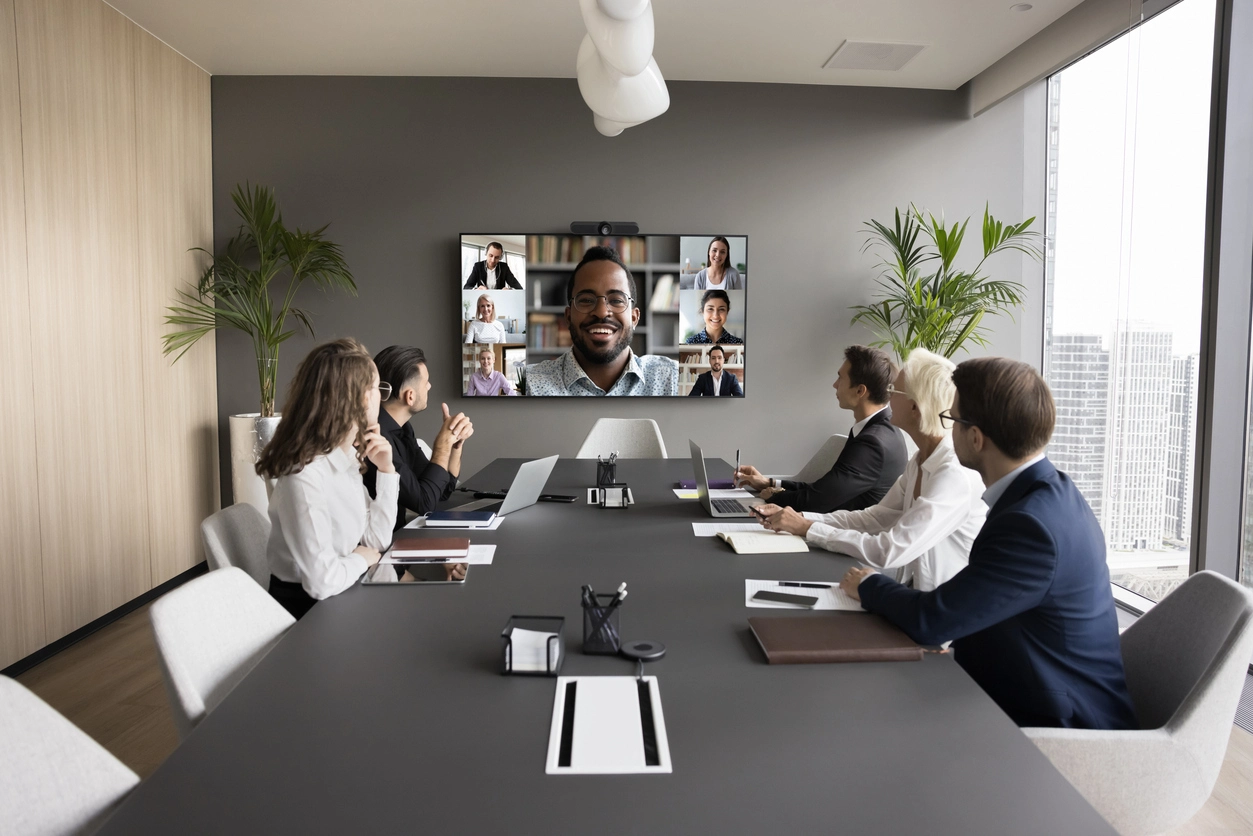
Conference Rooms
Equip formal meeting rooms with cameras, displays, audio, and software designed for professional collaboration.
Business Video Conferencing
Camera Security Now helps businesses evaluate Lifesize video conferencing cameras and meeting room technology for remote collaboration, hybrid work, training, telehealth, and professional video communication.
Modern teams need video conferencing systems that are easy to use, professional on camera, and reliable during meetings. The right camera, display, audio, software, and room setup can make a major difference in meeting quality.
Lifesize video conferencing solutions can support meeting rooms, conference rooms, training rooms, executive spaces, classrooms, telehealth environments, and hybrid work communication.
Camera Security Now helps organizations evaluate video conferencing equipment in the context of room size, camera angle, lighting, displays, speakers, microphones, software, and network connectivity.

A well-planned video conferencing setup helps people communicate clearly whether they are in the room or joining remotely.
Support boardrooms, conference rooms, huddle rooms, and executive spaces with video and audio that fit the room.
Help distributed teams, clients, vendors, and remote employees communicate through reliable video conferencing.
Use video conferencing tools for instruction, consultation, remote support, healthcare discussions, and guided training sessions.
Video conferencing systems can support many business communication environments beyond a basic webcam.
Equip formal meeting rooms with cameras, displays, audio, and software designed for professional collaboration.
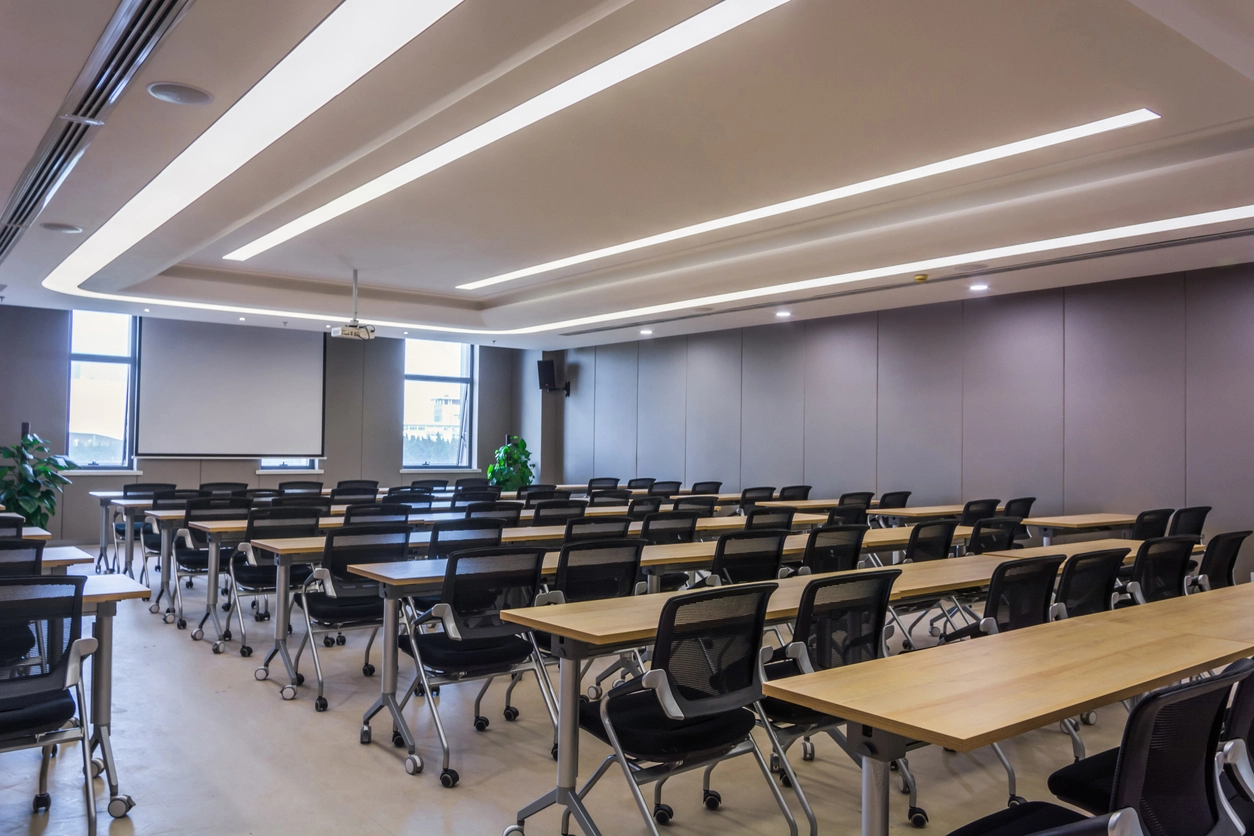
Support remote instruction, hybrid learning, employee training, webinars, and group collaboration.
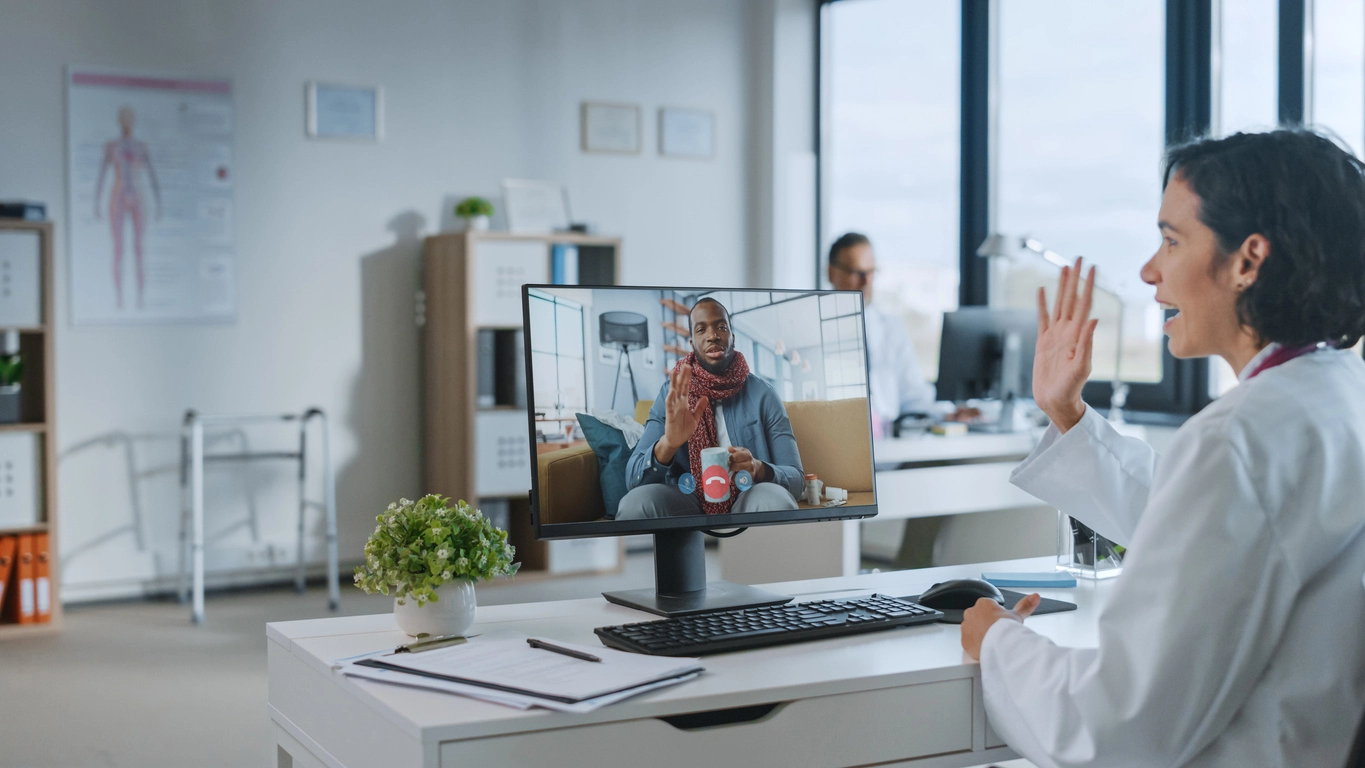
Use video conferencing technology for remote consultations, telehealth support, diagnostics, and secure communication workflows.
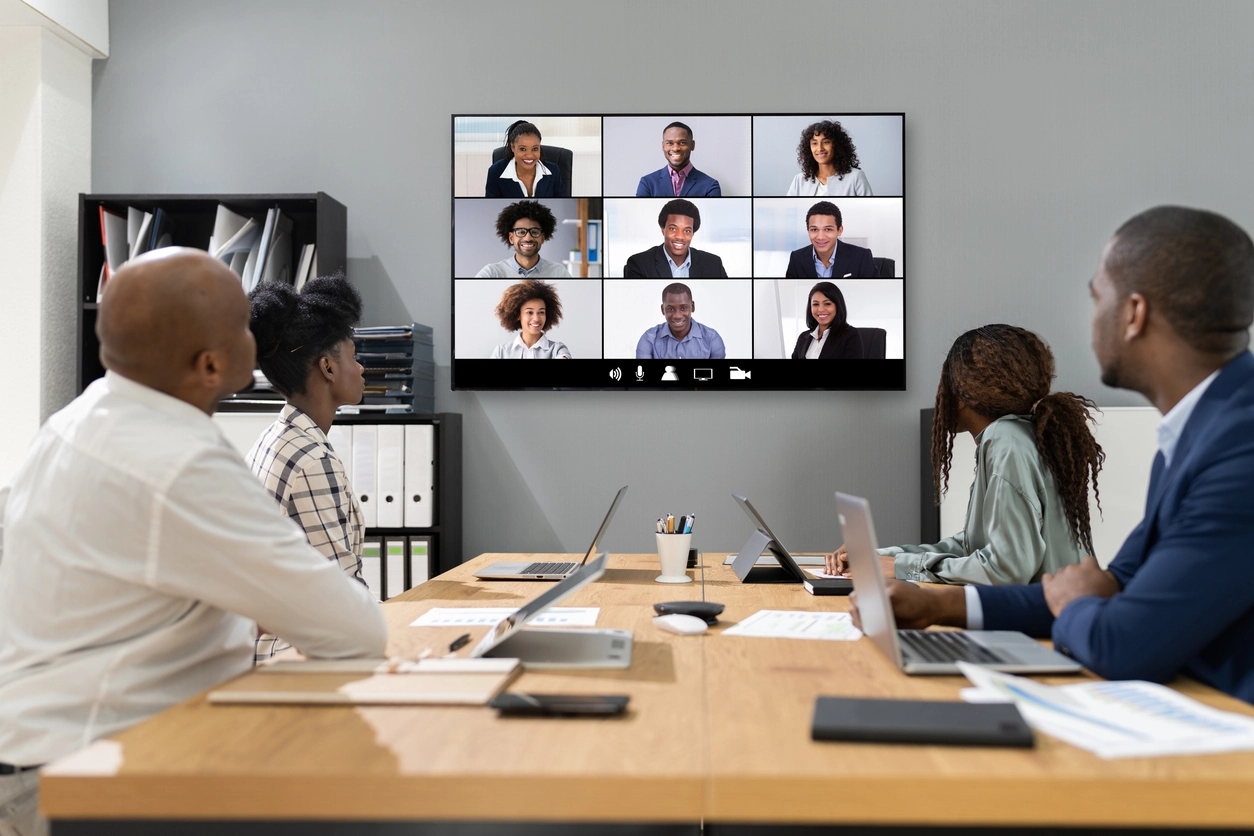
Improve meetings between in-office teams, remote employees, clients, and vendors with better room-based video systems.
Planning Considerations
The camera is important, but meeting quality also depends on audio, lighting, displays, seating, and connectivity.
A high-quality camera can still perform poorly if the room is too dark, the microphone cannot pick up participants, the display is too small, or the network connection is unreliable.
Camera Security Now can help evaluate the full room environment so the video conferencing solution supports clear communication instead of just adding another camera to the room.
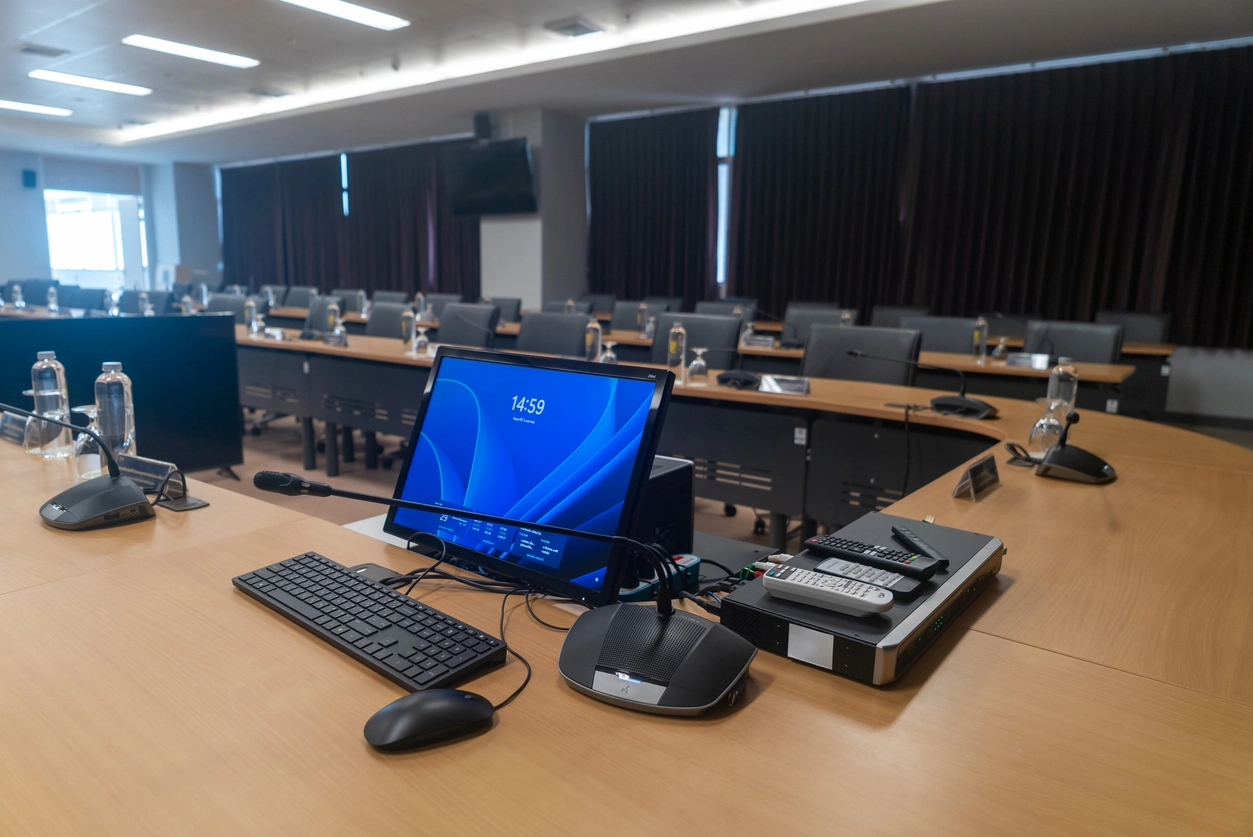
A video conferencing project should account for room layout, camera view, audio coverage, display size, software, and network reliability.
Camera selection and placement should match the distance, seating arrangement, and number of participants.
Microphones and speakers are just as important as the camera for productive remote meetings.
Lighting affects how participants appear on camera and whether faces are visible during video calls.
Equipment should support the meeting platforms and workflows your team already uses.
Video conferencing projects may connect to structured cabling, installation, network planning, and commercial technology support.
Professional video conferencing systems help organizations communicate clearly across meeting rooms, remote teams, clients, and distributed locations.
A business video conferencing setup should provide more than a basic camera feed. The room should support clear video, reliable audio, appropriate displays, good lighting, and simple software workflows.
Lifesize video conferencing cameras and software can support conference rooms, classrooms, training spaces, healthcare environments, hybrid workrooms, and collaboration areas where professional communication matters.
Camera Security Now helps organizations evaluate video conferencing equipment, room layouts, installation requirements, network connectivity, and related technology needs so the system fits the way the organization meets.
Get answers to common questions about this security camera solution.
Lifesize video conferencing cameras are used for business meetings, conference rooms, remote collaboration, training, telehealth, hybrid work, and other video communication needs.
Yes. Video conferencing cameras are commonly used in conference rooms, huddle rooms, boardrooms, classrooms, training rooms, and executive meeting spaces.
Yes. Camera Security Now can help organizations evaluate video conferencing cameras, software, displays, room layouts, and related technology needs.
Important considerations include camera placement, microphone coverage, speakers, displays, lighting, room size, seating layout, internet connectivity, and software compatibility.
Tell us about your meeting room, remote collaboration needs, and current setup. We’ll help you evaluate video conferencing equipment options.